
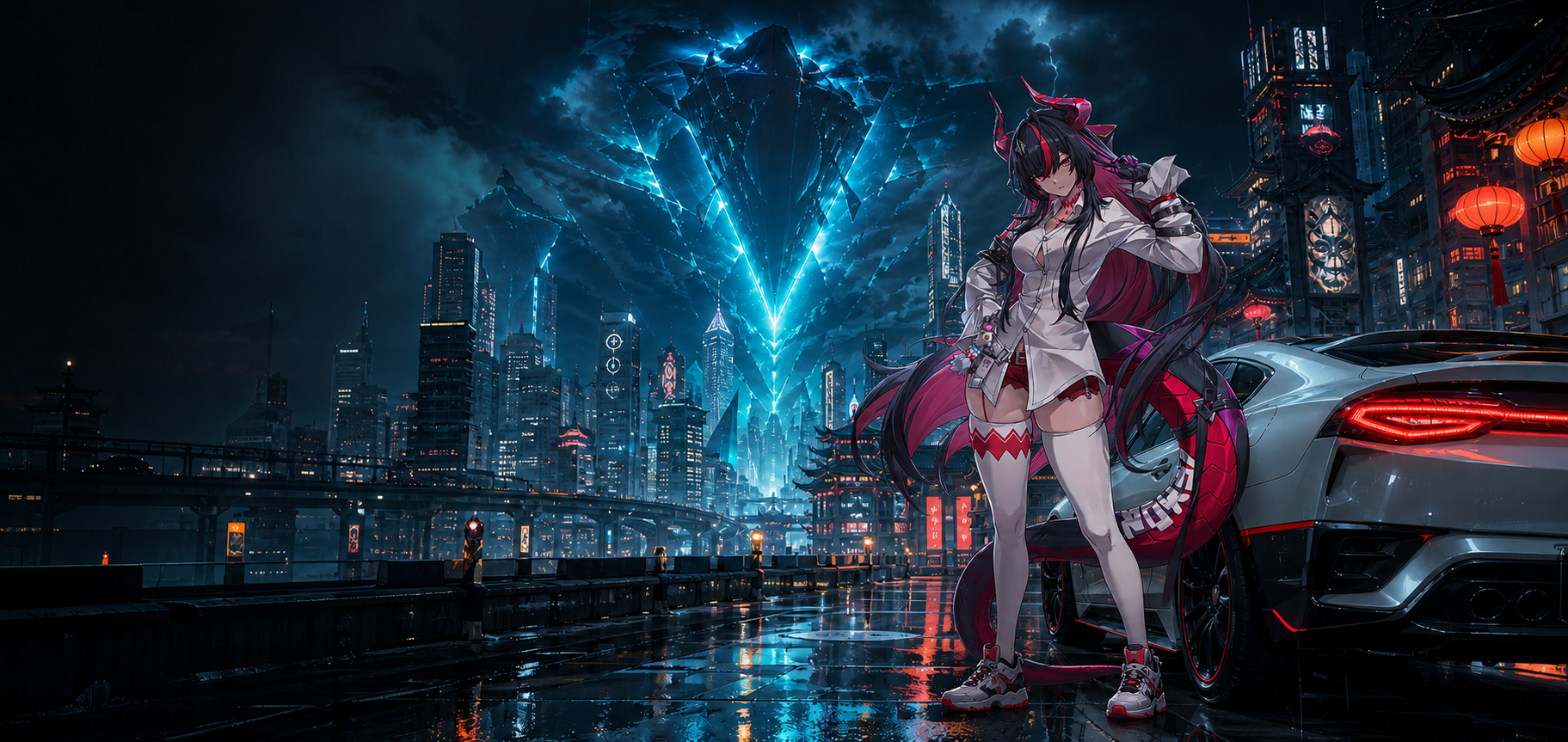
Minimum is an i7-10700, GTX 1660 and 16 GB RAM. Recommended climbs to an i7-12700, RTX 3060 and, yes, 32 GB RAM. This game asks more than most of its genre.
01 / Hardware
The actual specifications
File size moves with every major patch, so treat any exact figure as a snapshot. Reserve the upper end and leave additional working space for future updates.
02 / Storage
Why the SSD is not negotiable
Hethereau is dense: vehicles, interiors, fishing spots, apartments, cafés and anomaly encounters all stream while you move. Traditional hard drives cannot keep pace. The result is visible texture pop-in and stutter at exactly the moments combat needs quick reactions.
A 256 GB SSD with enough free space is a better NTE drive than a much larger mechanical hard disk.
Check your drive type
Press Ctrl + Shift + Esc, open the Performance tab in Task Manager and click each drive. Windows labels it SSD or HDD directly.
Need to make room?
Uninstall games you are not actively playing, move large media libraries to a secondary drive, and run Windows Storage Sense to clear update caches and temporary files. Do not move NTE to an HDD as the shortcut.
03 / Two-minute test
Find the hardware in your PC
- 01Open DirectX Diagnostic Tool.
Press Win + R, type
dxdiag, then press Enter. - 02Read CPU and memory.
The System tab lists Processor and Memory. Compare both against the table above.
- 03Find the graphics card.
Open the Display tab and compare the listed GPU with the GTX 1660 minimum.
- 04Confirm free SSD space.
Use File Explorer to check the target drive has close to 90 GB free.
04 / Low-end tuning
Sitting right at minimum?
Drop shadow quality and draw distance first. Those settings buy meaningful frame time with limited visual loss during combat. Lower resolution scale next; it usually returns more performance than adjusting several smaller options.
Close browsers before launching. The 16 GB requirement assumes the memory is available, not shared with dozens of tabs. If performance is still poor after those changes, the hardware is below the experience the game was designed around.
Below minimum can still launch
Launching is not the same as being playable. Expect very low frame rates during effects-heavy encounters, long loads and more severe streaming stutter.
05 / Common questions
PC requirements FAQ
What are the minimum specs?
Intel i7-10700, NVIDIA GTX 1660, 16 GB RAM and an SSD with roughly 60–90 GB free.
Do I actually need an SSD?
Effectively, yes. The city's world streaming creates disruptive stutter and pop-in on a mechanical drive.
Why does recommended ask for 32 GB RAM?
The dense open world and asset streaming make NTE unusually memory-intensive for an anime RPG.
Can hardware below minimum run it?
It may launch, but difficult fights and city traversal are unlikely to be smooth enough to enjoy.
Install it on the right drive.
Use the SSD, leave room for patches, and start with sensible settings.
Install free on PC↗Last updated July 14, 2026 by the PerfGamer editorial team.
Sources: Icy Veins and Mobalytics. Requirements can change with major patches.
Disclosure: this article contains affiliate links. We may earn a commission if you use them, at no extra cost to you.