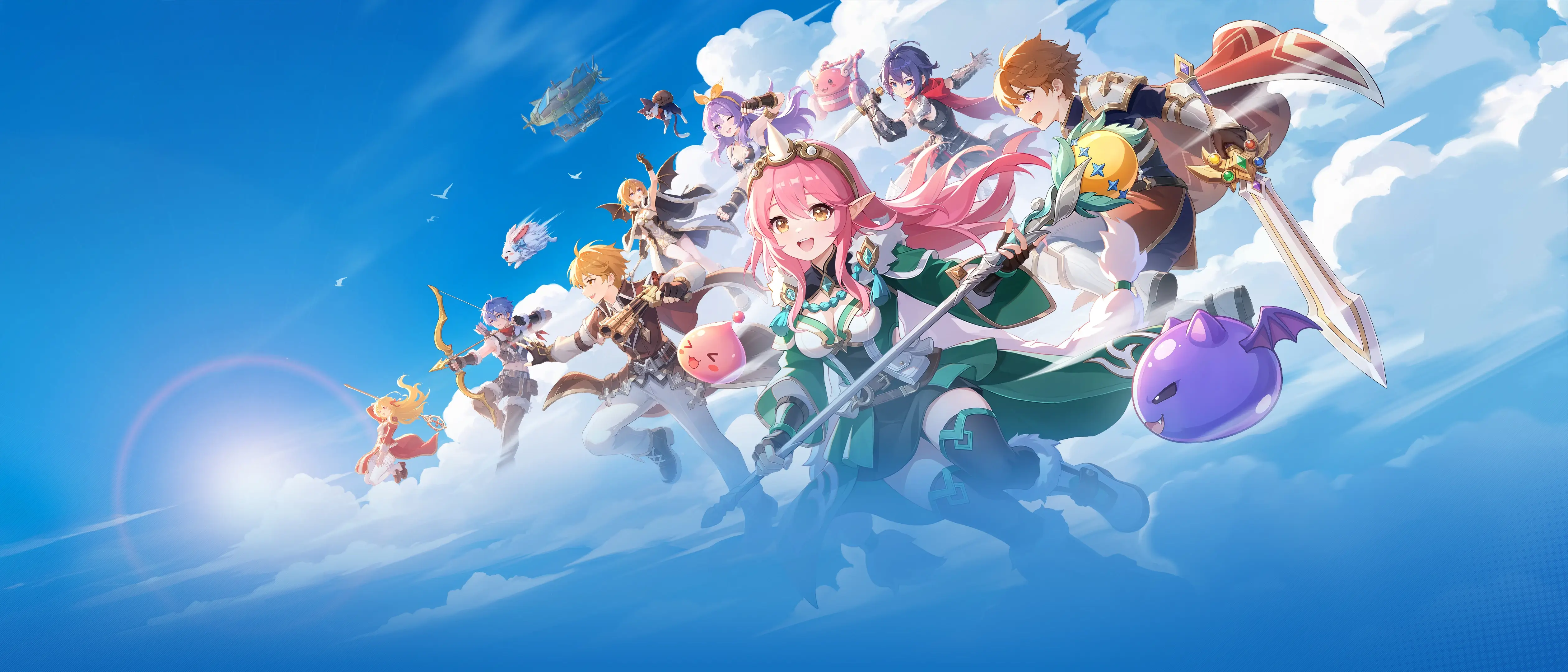
Prontera is back, the camera has finally moved behind your character, and a Poring is still somehow the first thing everybody wants to hit.
Ragnarok: The New World is GRAVITY Game Vision’s open-world reboot of the MMO many PC players grew up with. It is live now, free to install, and much easier to enter than the 2002 original. The question is not whether nostalgia is doing some work—it absolutely is—but whether the new version has enough of its own identity to survive once that feeling wears off.
01 / The new world
So what actually is this game?
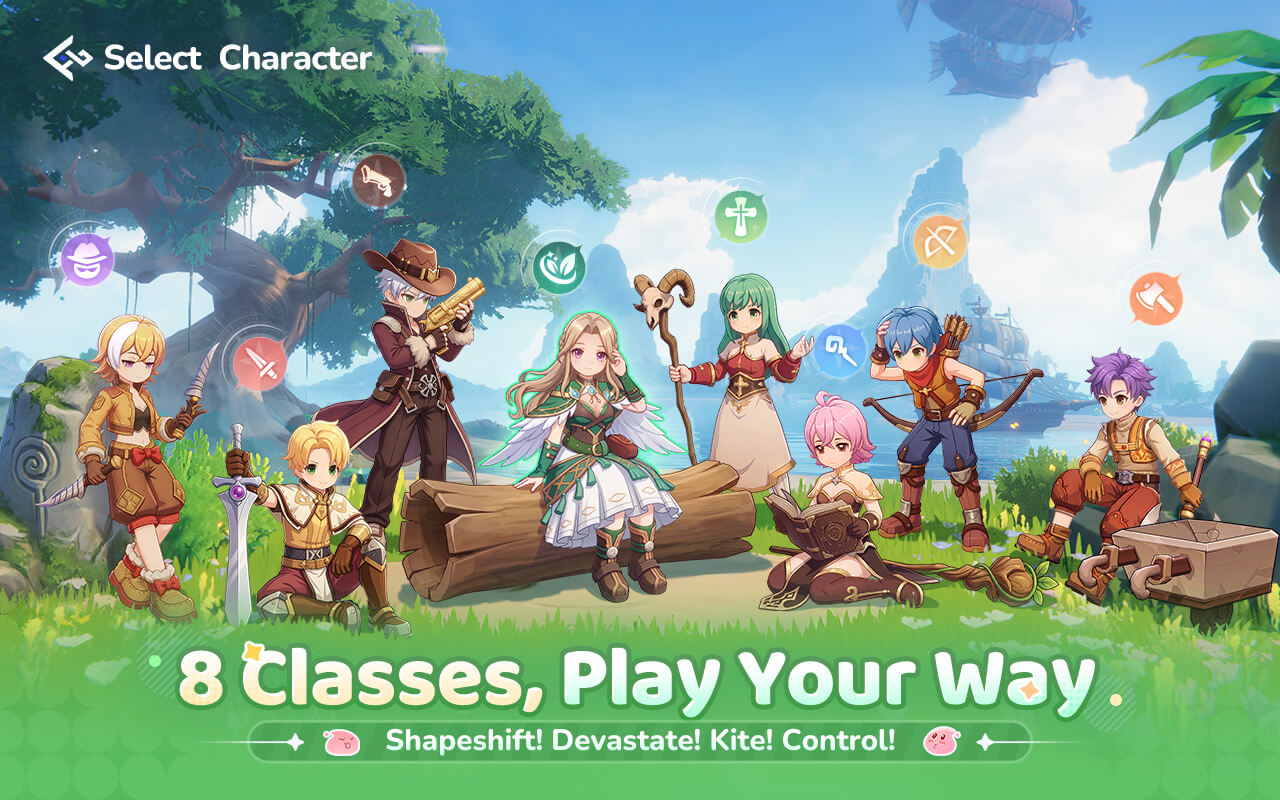
Ragnarok: The New World is a free-to-play, cross-platform open-world MMORPG. It rebuilds the familiar world of Midgard in 3D and carries progress across Windows, iOS and Android. The official Windows client is the most direct route on PC; Steam is also available in supported regions.
The shorthand will feel instantly familiar to returning players: Porings for starter loot, Prontera as the social hub, Zeny as the everyday currency, and MVP bosses that turn a quiet evening into a guild operation. What has changed is the friction. Movement is faster, onboarding is clearer and more of the old grind can be automated.
“The best reason to try it is not that it recreates old Ragnarok. It is that it understands which memories are worth keeping.
That makes it a gentler return than classic Ragnarok Online, but also a different kind of MMO. If you want every action to be manual, the automation may feel too generous. If you miss the social economy, silly monsters and class identity but no longer have entire weekends to grind, the compromise makes much more sense.
Explore in full 3D instead of moving across the original fixed maps.
Turn boss encounters into a collection chase your guild can rally around.
Trading and vending keep Prontera social instead of purely decorative.
02 / Choose your character
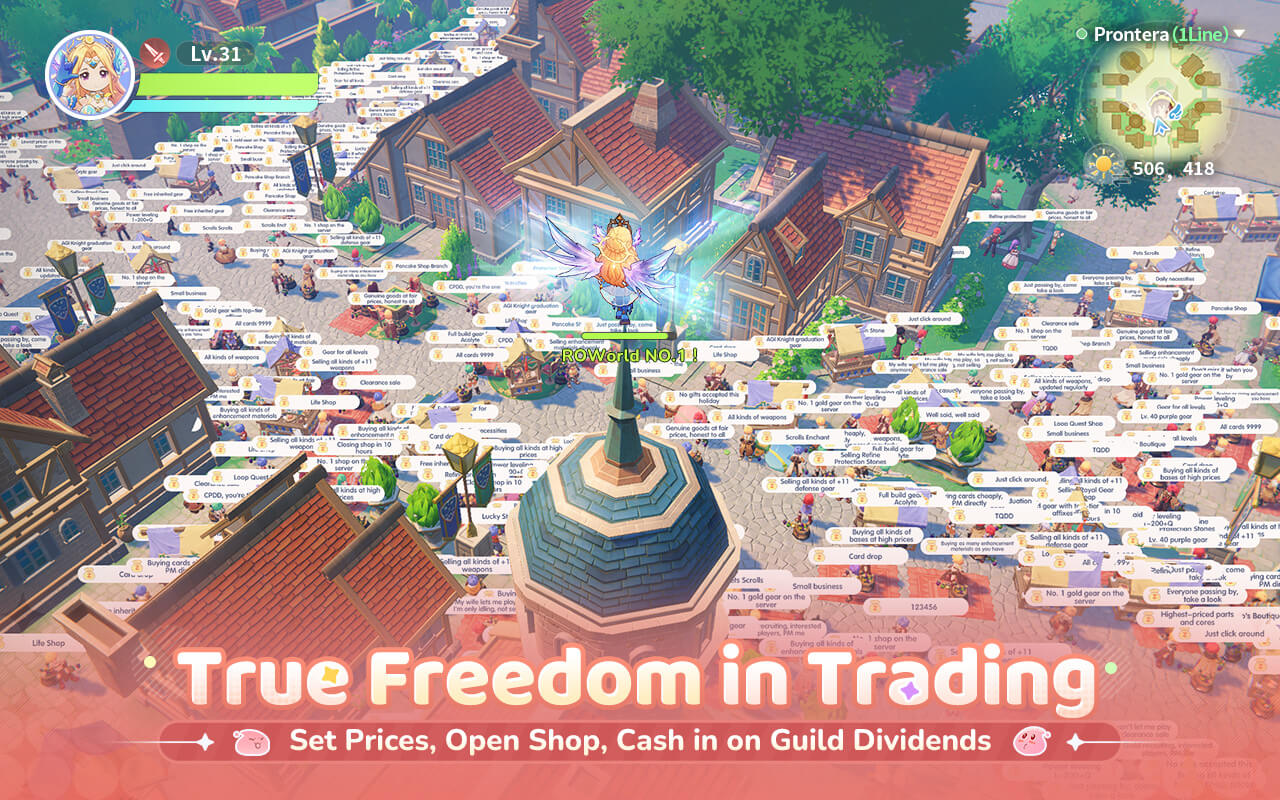
Eight classes, eight ways into Midgard
Every character starts life as a Novice. Your first job change is the decision that defines how combat, parties and even the economy feel from then on. Six classes return from classic RO; Gunslinger and Druid give this version two sharper points of difference.
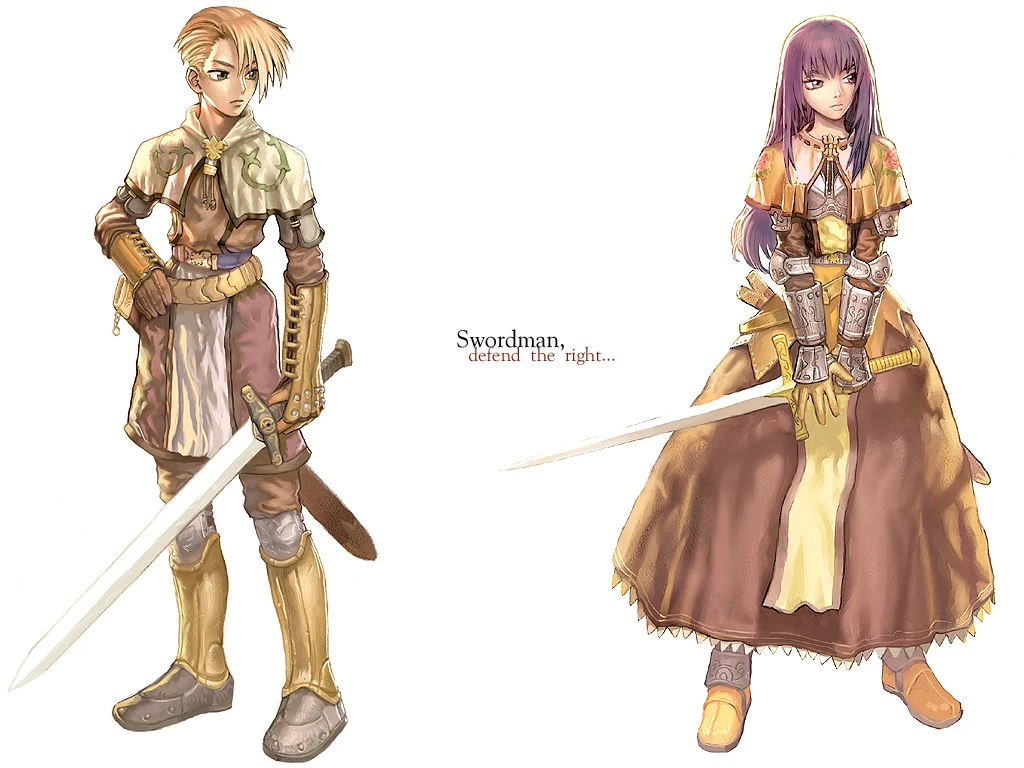
Swordsman
The safest first character: sturdy, direct and built to hold an MVP boss in place.
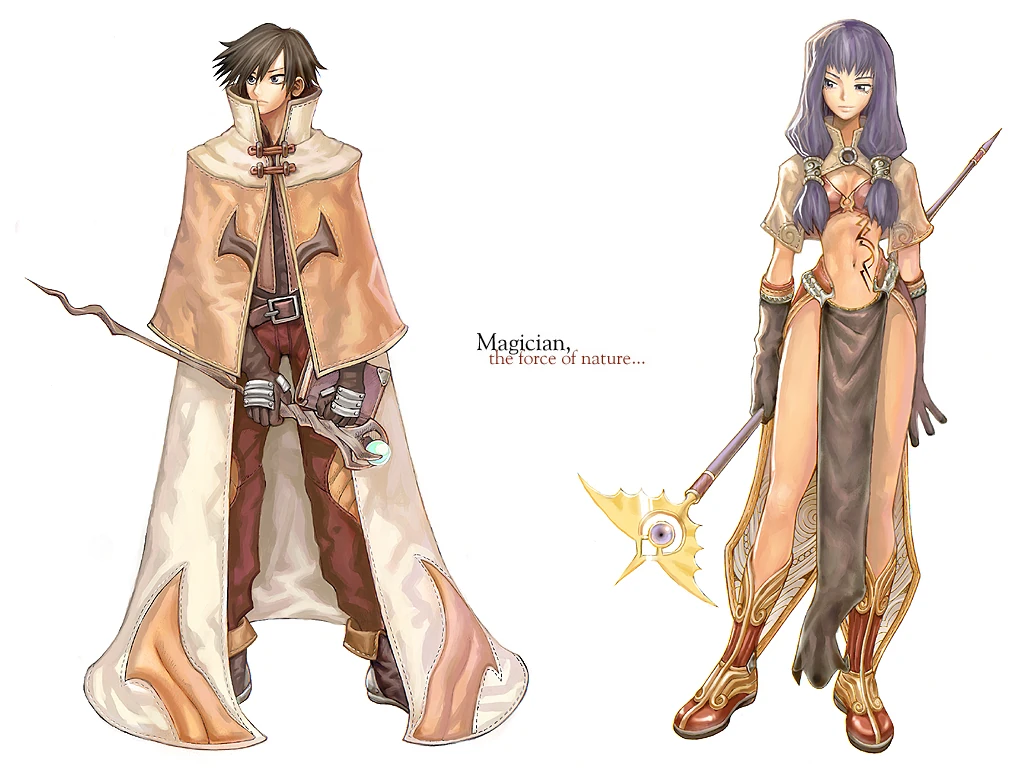
Mage
A fragile early pick that grows into a screen-clearing elemental damage dealer.
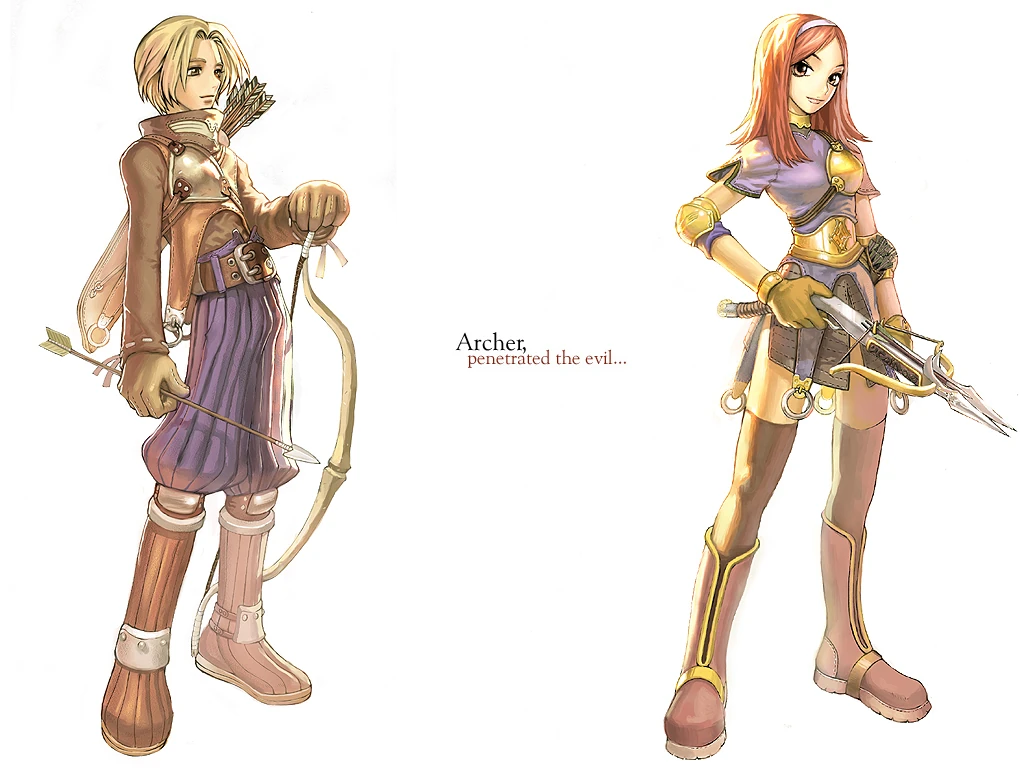
Archer
Kite enemies, keep your distance and deal reliable damage while the party holds aggro.
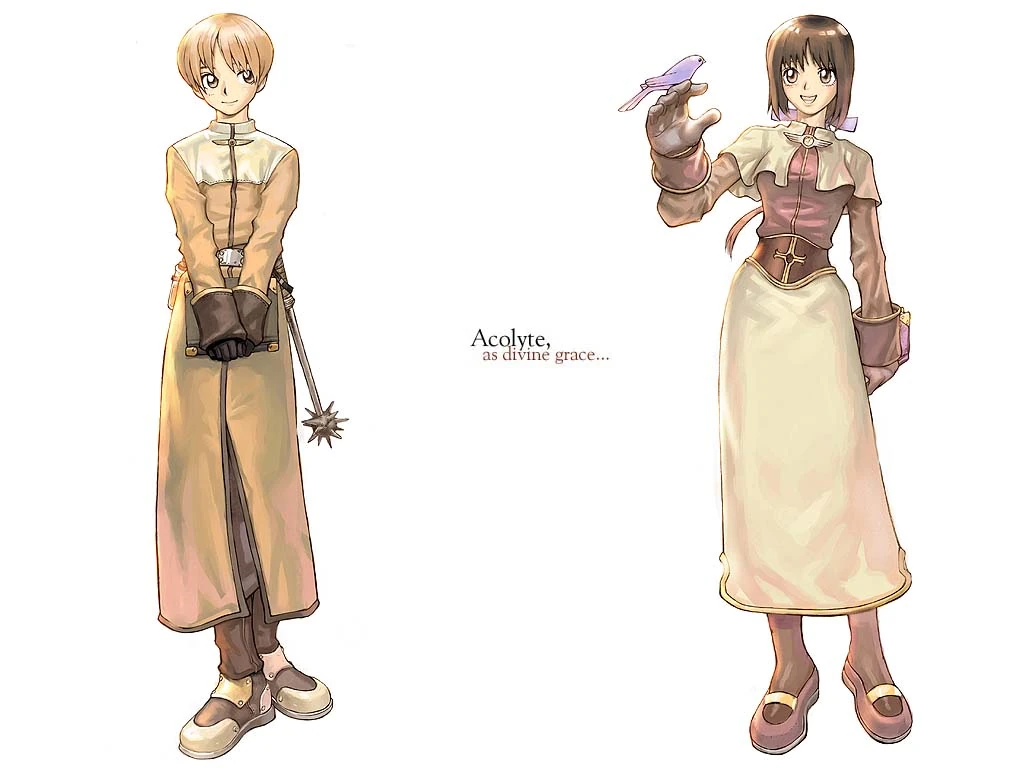
Acolyte
The party anchor. Healing and buffs make Acolytes welcome in almost every group.
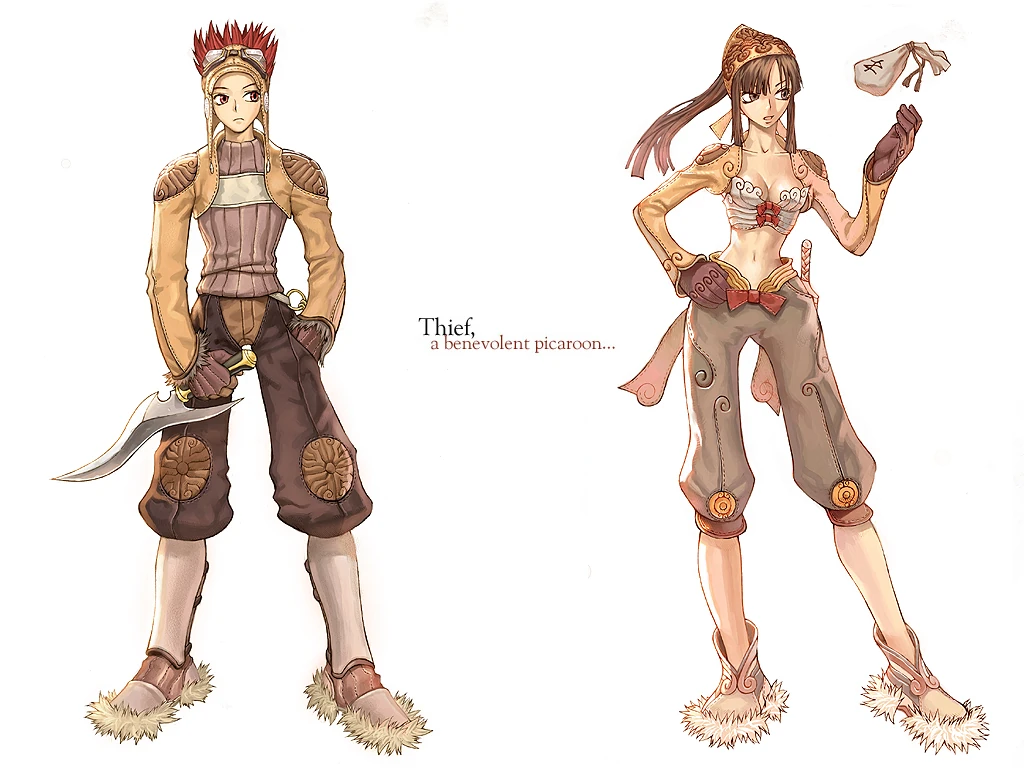
Thief
Fast, evasive and built around getting in, landing a burst, then disappearing again.
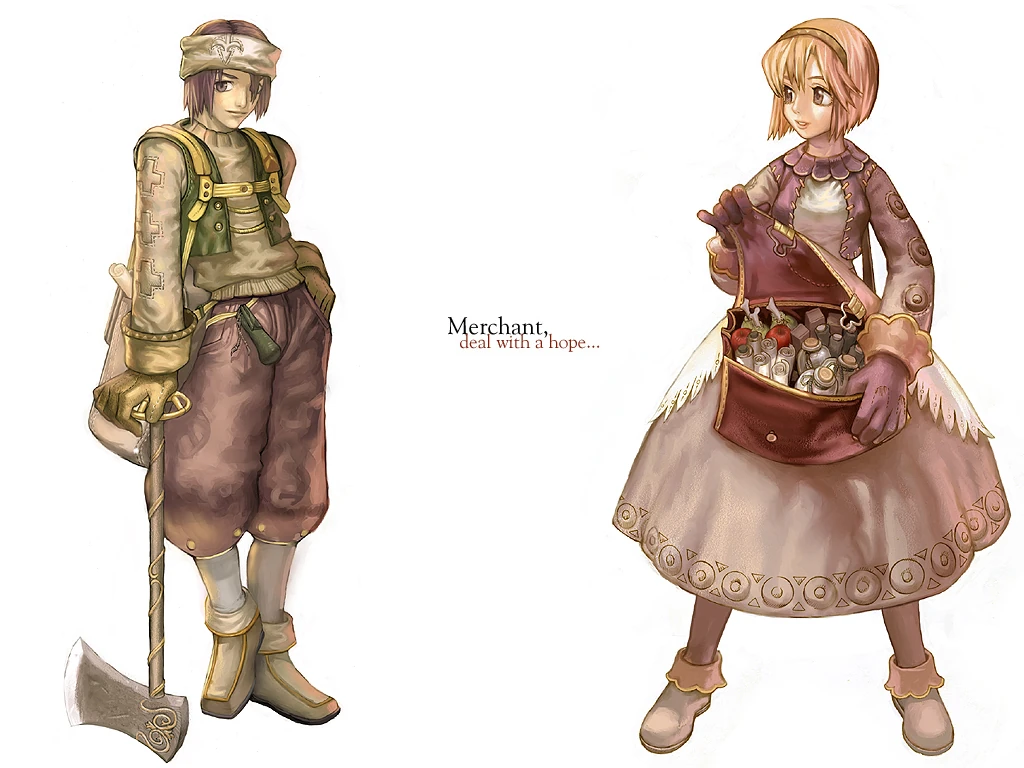
Merchant
Turns trading and vending into a playstyle, then develops real combat teeth later on.
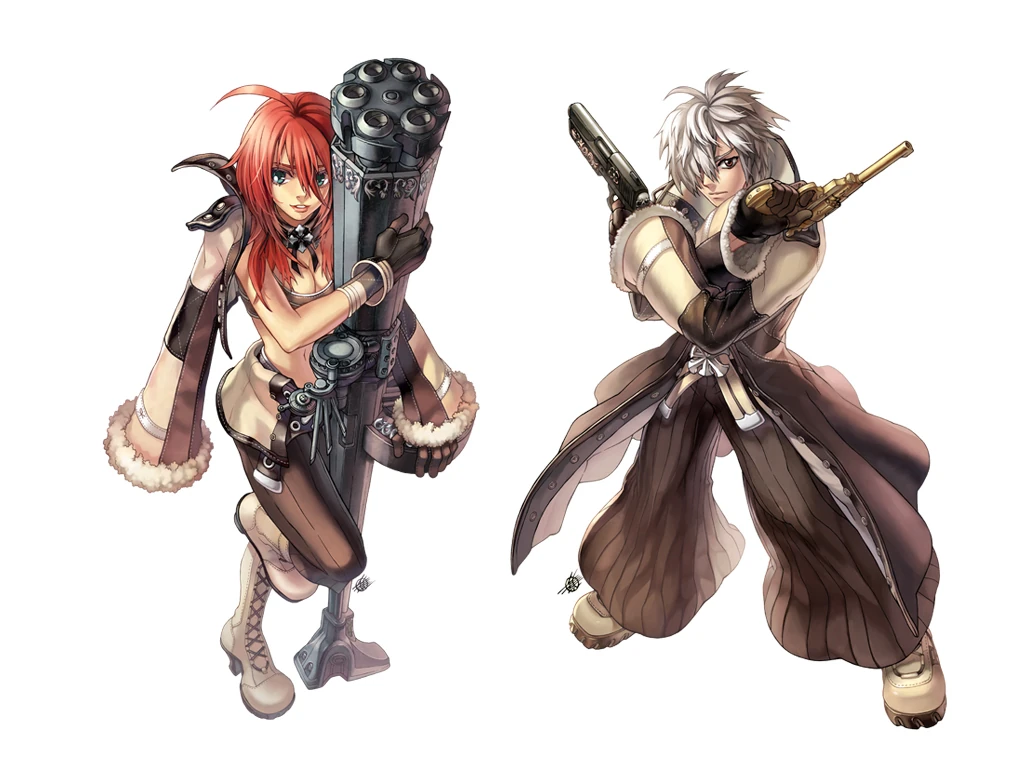
Gunslinger
A standalone ranged class for players who want punchier attacks than the classic bow.
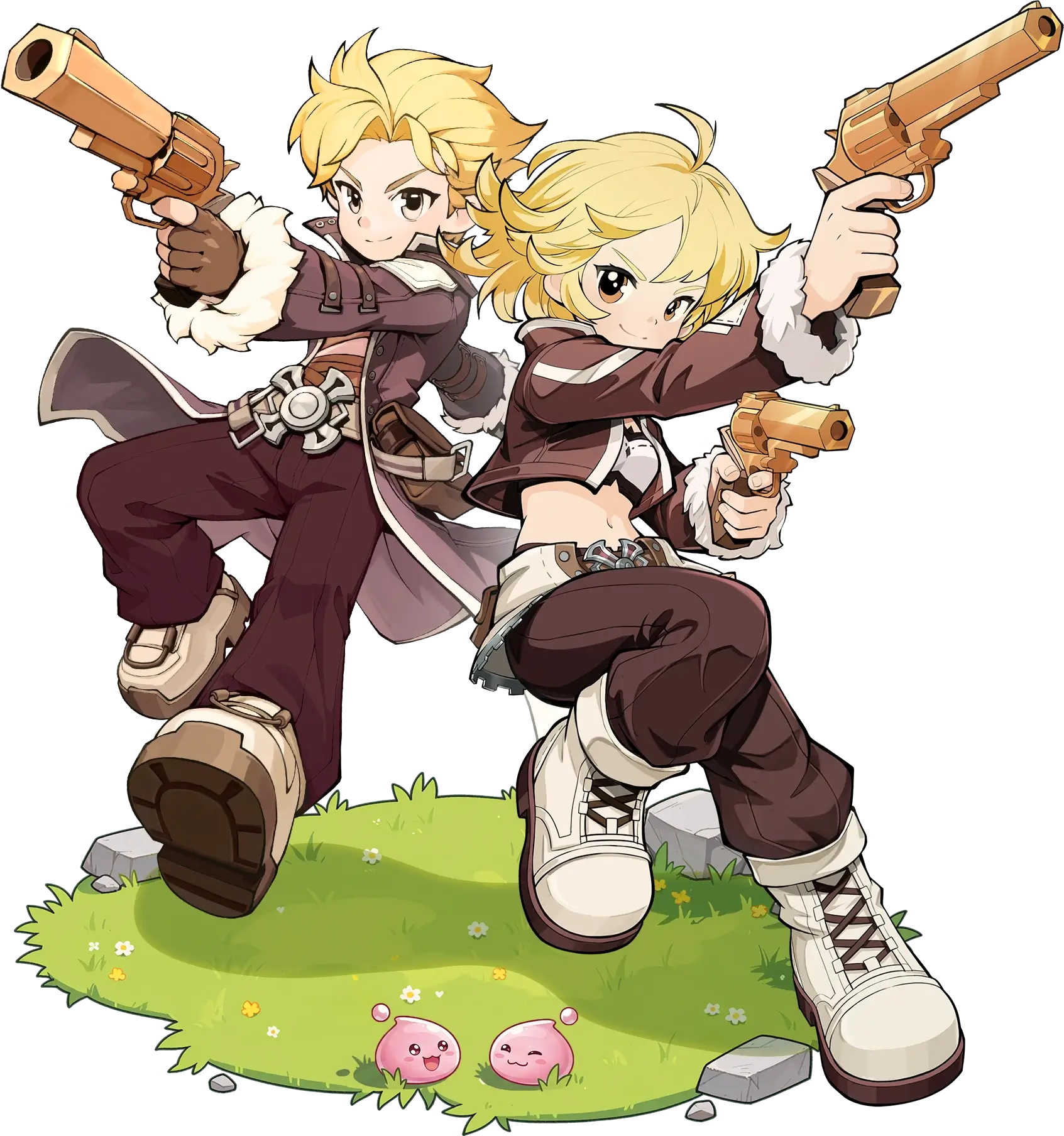
Druid
The newcomer: a flexible nature-based class that changes form to cover multiple roles.
Swordsman is the smoothest solo start and Acolyte finds groups fastest, but balance patches come and go. The character you enjoy piloting is the one you will actually level.
03 / Get the game
Two free ways to play on PC
Both routes lead to the same Midgard. Choose the official Windows client for the quickest, most widely available install. Choose Steam when the store listing is available in your country and you want its overlay, achievements and friends layer.
Official Windows client
The direct route: download the installer, sign in and let the launcher patch the game.
Install free↗Steam
Same game, with your Steam friends, overlay and achievement layer attached.
Use the Windows client if Steam is not listed in your region.
- 01Use an official route.
Choose the direct client above or the verified Steam listing. Avoid repacks and “unlocked” downloads.
- 02Run the installer and patch.
Keep extra drive space available for temporary files while the launcher unpacks the current build.
- 03Create or link your account.
Use the same login on mobile if you want progress to follow you between devices.
04 / The business model
Free to play, with the usual asterisk
The full map, story and all eight launch classes are available without an upfront price or subscription. Spending pressure sits around cosmetics, convenience and chance-based progression systems—not a trial wall halfway through the campaign.
Explore Midgard and follow the campaign without buying access.
Your job choice is not a paid character unlock.
Cosmetics and progression shortcuts are where the store enters the picture.
The honest read: a non-spending player can still join a guild, hunt MVPs and participate in the trading economy. Players who chase every cosmetic or the fastest possible progression will feel the store much more often. Set a budget before the first limited offer appears, not after.
05 / Hardware check
Can your PC run it?
GRAVITY has not published one definitive global specification sheet for every PC distribution. Because the game also targets phones, it is lighter than most modern open-world PC releases. Treat the figures below as a practical planning target rather than a formal guarantee.
Press Win + R, enter dxdiag, then check the System and Display tabs for your processor, memory and graphics card.
06 / Which Ragnarok?
New World, Origin or Ragnarok M?
The New World
Open-world exploration, modern traversal and a stronger desktop presentation, with some automation.
Ragnarok Origin
A polished, guided revival that leans harder into automated mid-game routines.
Ragnarok M
The deepest backlog and wardrobe culture, but with a more obviously mobile-first feel.
07 / Common questions
Ragnarok: The New World FAQ
Is Ragnarok: The New World really free?
Yes. The complete game, world and eight launch classes are free to play. It is funded through optional purchases and chance-based systems.
Should I use the Windows client or Steam?
Use the direct client for the fastest, most widely available route. Use Steam where available if you value its overlay, friends list and achievements.
Do I need to play the original Ragnarok Online first?
No. New World teaches its systems from the beginning. Returning players will recognize locations, creatures and jobs, but that knowledge is a bonus rather than a requirement.
Can I switch between PC and mobile?
Yes. The game supports PC, iOS and Android with shared-account progression when you use the same linked login.
Which class should a beginner choose?
Swordsman offers the most forgiving solo start. Acolyte is ideal if you like support and want easy access to parties. The best long-term choice is still the role you enjoy playing.
Midgard is free to enter.
Pick a class, punch the ceremonial first Poring, and decide whether the old magic still works on you.
Play free on Windows↗